How to Learn React Without Getting Lost
Most beginners try to learn React, a router, a state library and a framework all at once. A better order, and what to skip at first.
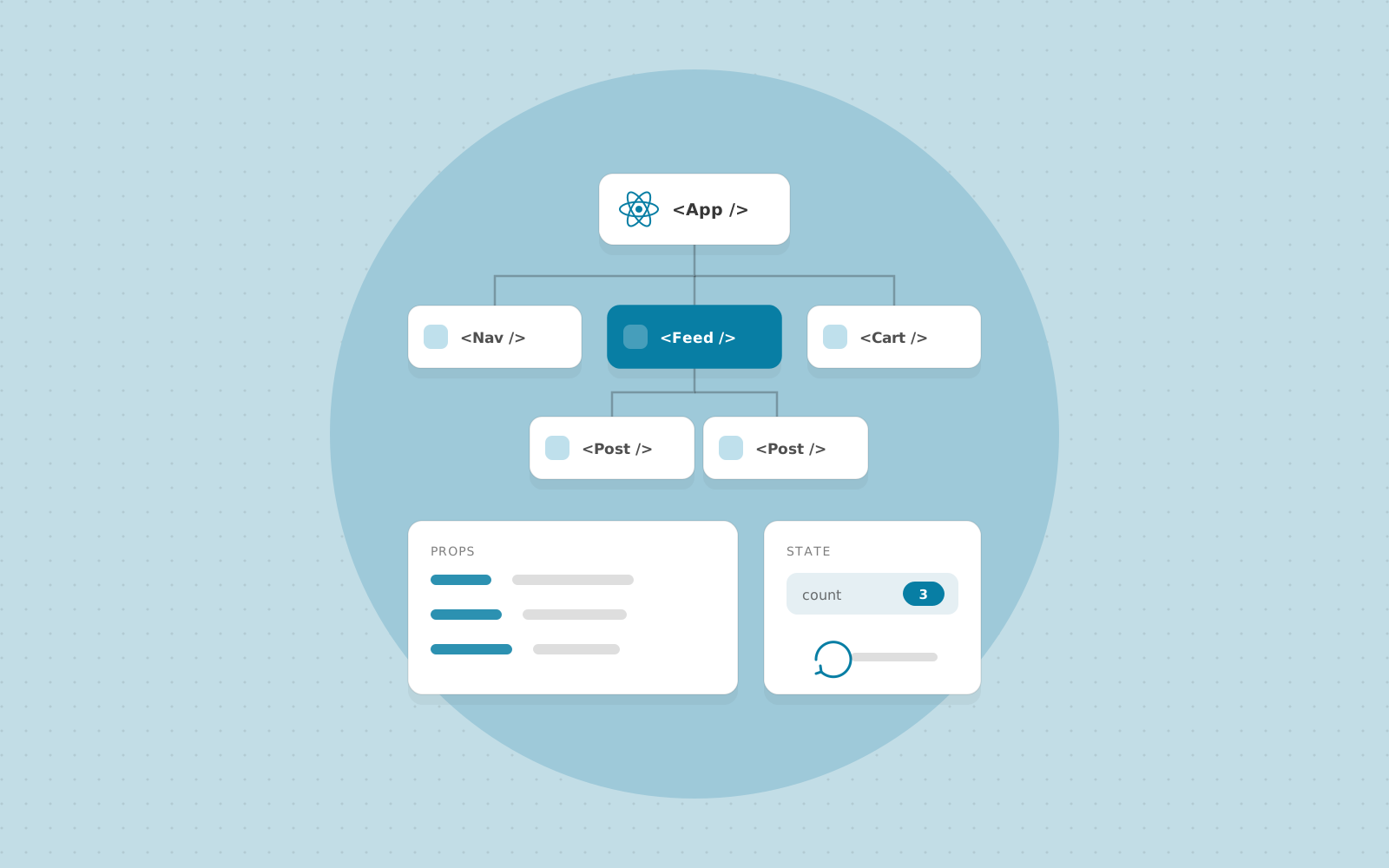
React itself is small. You can learn its core ideas in a few weeks. What makes it feel huge is everything around it: routers, state libraries, form libraries, styling options, build tools and frameworks, each with its own tutorials and opinions. Beginners often try to absorb all of it at once and end up knowing a little about a lot and unable to build anything.
This is the order we teach it in, and the reasoning behind each step.
Get comfortable with JavaScript first
Most "React problems" turn out to be JavaScript problems. Before your first component, you should be able to read and write the following without looking anything up:
- Arrow functions, destructuring, template literals and the spread operator.
- Array methods, especially
map,filterandreduce. Rendering a list in React is justmap. - Objects and immutability: creating a new object or array instead of changing the old one. React's state updates depend on this.
- Promises and
async/await, plus basic use offetch. - ES modules:
importandexport.
If any of these feel shaky, a week spent here will save you a month of confusion later.
Learn to split a UI into components
Take a screenshot of a page you like and draw a box around every piece: header, search field, product card, button. Then ask which boxes repeat, which hold data that changes, and which are just layout. The official React documentation calls this exercise "Thinking in React", and it is worth working through in full. It is the skill that matters most, and no amount of syntax knowledge replaces it.
At this stage you only need function components, JSX, props and conditional rendering. Ignore everything else.
Understand state and events properly
State is the part of React that confuses people most, so give it time. Learn these in order:
useStatefor values that change over time, such as a form field or an open/closed toggle.- That state updates are scheduled, not immediate. After calling a setter, the variable still holds the old value until the next render.
- Lifting state up: when two components need the same data, move it to their closest common parent and pass it down.
- Deriving values during render instead of storing them. A filtered list, for example, should be computed from the full list and the search text, not kept as a second piece of state.
If you can say where each piece of state lives and why it lives there, you understand React.
Use effects sparingly
useEffect is for synchronising with something outside React: a network request, a timer, a browser API, a subscription. It is not a place to put every bit of logic. The React documentation has a page titled "You Might Not Need an Effect", and many beginner bugs, such as infinite loops and flickering values, come from ignoring it.
Once you are comfortable with effects, learn how data fetching works in practice: loading and error states, cancelling stale requests, and why a data library such as TanStack Query is worth adding once you have more than a couple of requests.
Add a framework after the basics
For anything beyond a practice project, the React team recommends starting with a framework such as Next.js rather than assembling your own setup. A framework gives you routing, server rendering, data loading and a build pipeline that already work together. Learn it after you understand components and state, because then you can see which problems it solves. Learning both at once is the most common reason people feel overwhelmed.
What to leave for later
You do not need Redux, Zustand or any other global state library to start. Props, lifted state and Context cover a surprising amount. Add one when you feel a specific pain, such as passing the same data through five layers of components, and you will pick better because you know what you are fixing. The same goes for animation libraries, UI kits and form libraries.
Build projects, then change them
Tutorials are comfortable because someone else makes the decisions. Projects are where you learn, because you have to make them. Build something small, like a to-do list, an expense tracker or a recipe search, then extend it with a new requirement: add routing, persist data to a backend, add validation, write a few tests. Each extension forces you to understand your own code, which is the point.
A workable order: modern JavaScript, then components and props, state and events, effects and data fetching, a framework, and finally testing and performance. Build something at every step.
Want to learn React properly?
Join a live, mentor-led cohort and build real projects. We reply within one business day.