Frontend Fundamentals That Never Go Out of Date
Frameworks change every few years. Semantic HTML, CSS layout, accessibility, performance and browser debugging stay useful for a whole career.
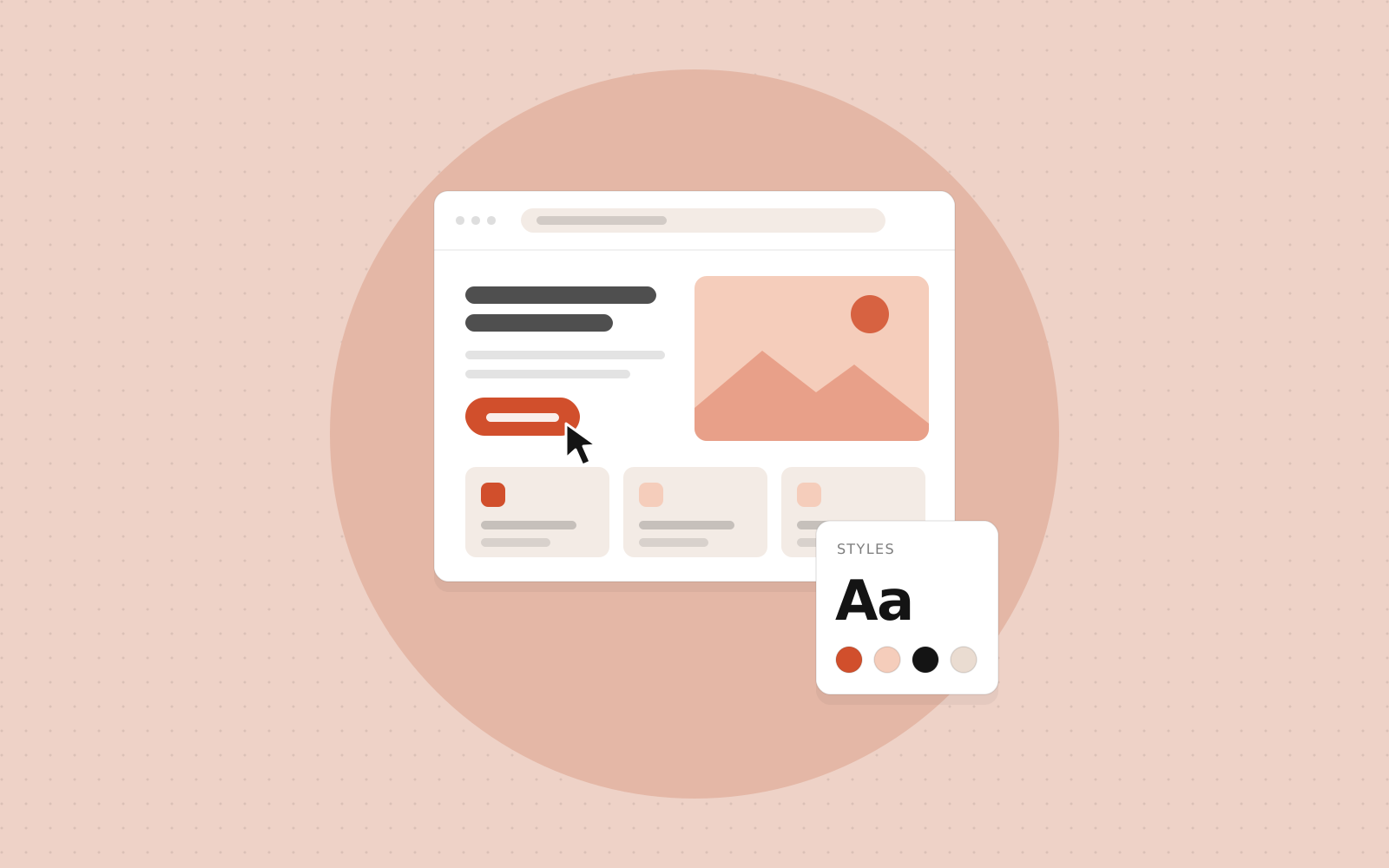
It is tempting to jump straight to whichever framework is currently popular. But the developers who adapt fastest when tools change are usually the ones who understand what sits underneath them. React, Vue, Angular and Svelte all produce HTML, CSS and JavaScript in the browser. These are the skills that have remained valuable through every shift in tooling.
Semantic HTML
Use the element that matches the purpose: button for actions, a for navigation, label for form fields, nav, main and footer for page regions, and headings in a logical order. A real button is focusable, works with Enter and Space, and is announced correctly by screen readers. A div with a click handler does none of that without extra work. Semantic markup also helps search engines understand your pages, and it costs almost nothing.
CSS layout and the cascade
Flexbox handles layout in one direction, and Grid handles two. Between them they solve nearly every layout problem without hacks. Beyond that, learn how the box model works, how specificity decides which rule wins, how inheritance behaves, and how custom properties (CSS variables) can hold your colours and spacing. Most CSS frustration disappears once you understand why a rule is being overridden.
Responsive design is part of the foundation too: fluid widths, media queries, relative units and testing at real phone sizes.
Accessibility
The World Health Organization estimates that around one in six people worldwide lives with a significant disability. Accessible design also helps people with temporary or situational limits, such as a broken arm, a bright screen outdoors or a noisy room. At a minimum:
- Make everything reachable and usable with a keyboard, with a clearly visible focus indicator.
- Keep text contrast at or above the WCAG minimum of 4.5:1 for normal text.
- Give every image meaningful alt text, or an empty one if it is decorative.
- Label every form control, and do not rely on colour alone to convey meaning.
Try navigating your own project with only the keyboard, then with a screen reader. You will find issues quickly. Accessibility knowledge is increasingly requested in job listings and, in some countries, required by law.
Frameworks are tools. The web platform is the foundation they are all built on.
Performance basics
Users leave slow sites. The practical fundamentals are: serve images in modern formats at the size they are displayed, load only the JavaScript a page needs, avoid layout shifts by reserving space for images and embeds, and load fonts efficiently. Google's Core Web Vitals give you measurable targets: Largest Contentful Paint for loading, Interaction to Next Paint for responsiveness and Cumulative Layout Shift for visual stability. Lighthouse and the browser's performance panel show you where the time goes.
JavaScript you can rely on
Know the language itself: scope, closures, the event loop, promises, how this behaves and how the DOM works. Frameworks hide the DOM, but they cannot hide it completely, and knowing how events bubble or how the browser renders a page helps you debug problems a framework alone cannot explain.
Debugging in the browser
The developer tools are your most important instrument. Use the Elements panel to see which CSS rules apply, the Console and debugger to step through code, the Network panel to check what was requested and how long it took, and the Application panel to inspect storage and cookies. Reading the actual error message and finding the cause beats changing code at random.
Where to go from here
Build a few pages without a framework: a landing page, a form with validation, a small interactive widget in plain JavaScript. Then move to a framework. You will find that it makes sense much sooner, and that you can tell when it is helping you and when it is getting in the way.
Want to learn Frontend properly?
Join a live, mentor-led cohort and build real projects. We reply within one business day.